
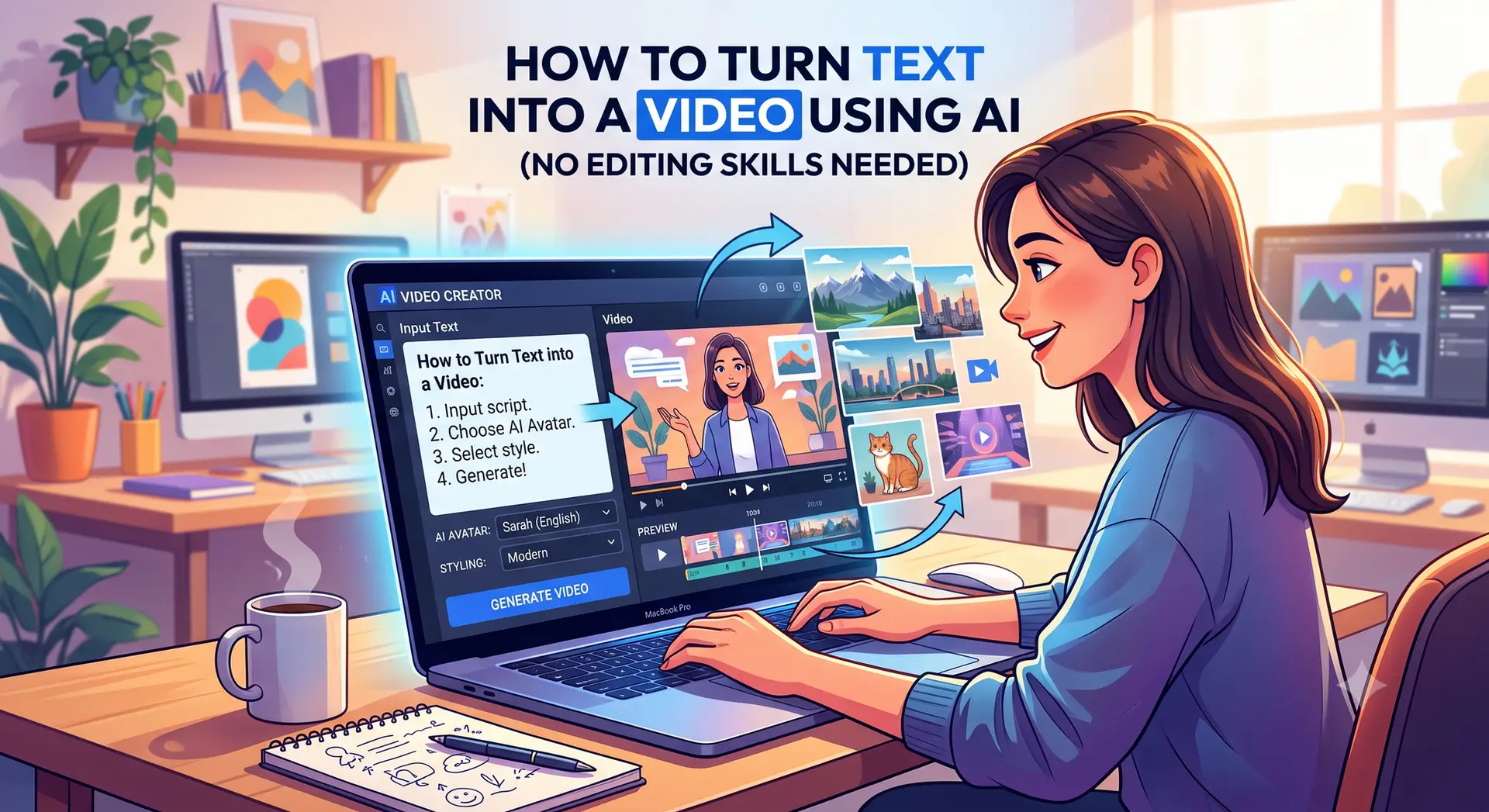
Creating a video used to require a camera, microphone, editing software, actors, and hours of editing. Today, AI has changed the process dramatically.
With an AI video generator, you can start with a simple text prompt, blog post, script, or idea and turn it into a video with visuals, narration, music, captions, and transitions. Depending on the tool you use, AI can either generate new video footage from your description or transform an existing script into a complete video.
This makes AI video creation useful for YouTubers, marketers, students, businesses, freelancers, educators, and social media creators.
In this guide, we’ll explain how to turn text into a video using AI, how the technology works, how to write better prompts, and how to create a professional-looking video even if you have no previous video-editing experience.
What Is Text-to-Video AI?
Text-to-video AI is technology that converts written instructions into video content.
For example, you could enter a prompt such as:
“A futuristic city at night with flying cars, neon lights, rain falling on the streets, cinematic camera movement.”
An AI video generator can interpret that description and create a short video showing the scene.
However, “text-to-video” can mean two slightly different things.
The first is generative video. You describe a scene, and the AI generates new footage based on your prompt. Modern video-generation systems use models that learn relationships between text, images, motion, and video frames.
The second is script-to-video. Instead of generating every frame from scratch, the platform takes your written script and creates a complete video using a combination of AI-generated visuals, stock footage, voice narration, captions, music, and templates.
Understanding this difference is important because the best workflow depends on the type of video you want to create.
Why Should You Turn Text Into Video Using AI?
Video is one of the most engaging formats for online content, but traditional video production can be expensive and time-consuming.
AI reduces many of the barriers.
Here are some of the biggest advantages.
1. You Don’t Need Professional Video Equipment
You don’t necessarily need a camera, studio, microphone, or lighting setup.
If you have a good script and access to an AI video tool, you can begin creating content from your computer.
2. It Saves Time
Traditional video production can involve writing a script, recording footage, recording narration, editing clips, adding subtitles, finding music, and exporting the final video.
AI can automate many of these steps.
Modern AI video platforms commonly combine several stages, including script generation, scene planning, text-to-speech, visual generation, captions, and final rendering.
3. It Makes Content Creation More Accessible
You don’t have to be an experienced video editor.
A beginner can start with a paragraph of text and use AI to transform it into a visual story.
4. You Can Repurpose Existing Content
Have a blog post that already receives traffic?
You can turn it into a YouTube video, Instagram Reel, TikTok, or short educational video.
This is particularly useful for bloggers and businesses because one piece of written content can be repurposed into multiple formats.
How to Turn Text Into a Video Using AI
Now let’s look at the complete process.
Step 1: Decide What Type of Video You Want to Create
Before opening an AI video generator, decide what you’re actually trying to make.
For example, you might want to create:
- A YouTube explainer
- An educational video
- A product demonstration
- A social media Reel
- A TikTok video
- A promotional video
- A faceless YouTube video
- A business presentation
- A short film
- A tutorial
- A news or informational video
The format affects everything from the script and visuals to the aspect ratio and narration.
For example, a TikTok or Instagram Reel will normally be designed for vertical viewing, while a traditional YouTube video is commonly produced in a landscape format.
Start with the final destination in mind.
Step 2: Write or Prepare Your Text
The quality of your final video depends heavily on the quality of your text.
You can start with:
- An original script
- A blog article
- A product description
- A collection of notes
- A story
- A lesson
- A social media post
- A simple topic idea
If you only have an idea, you can use an AI writing assistant to develop it into a script.
For example:
Topic: How to save money using AI
Instead of immediately generating a video, first create a structured script:
Hook:
“Did you know AI can help you find unnecessary expenses in your monthly budget?”
Problem:
“Many people know how much they earn but don’t know exactly where their money goes.”
Solution:
“AI tools can categorize expenses, summarize spending patterns, and help you identify areas where you may be overspending.”
Conclusion:
“Start by organizing your expenses and asking an AI assistant to identify patterns.”
A structured script gives the video generator clear information to work with.
Step 3: Break Your Text Into Scenes
One of the most important steps is turning a long script into individual scenes.
Don’t expect an AI video generator to create one perfect continuous video from a huge paragraph.
Instead, divide your story into smaller visual sections.
For example:
Scene 1: Person looking at a monthly bank statement.
Scene 2: Close-up of expenses appearing on a laptop.
Scene 3: AI analyzes spending categories.
Scene 4: A simple graph shows unnecessary expenses.
Scene 5: Person creates a new monthly budget.
This approach makes it easier to control the visuals.
Current text-to-video workflows commonly treat a video as a sequence of individual shots or scenes rather than one uninterrupted generation.
Step 4: Choose an AI Video Generator
There are several categories of AI video tools.
Generative AI Video Tools
These tools are designed to generate new footage based on prompts.
You describe things such as:
- The subject
- Location
- Action
- Camera movement
- Lighting
- Visual style
- Mood
For example:
Prompt:
“A young entrepreneur working late at night in a modern office, looking at multiple computer screens, warm desk lighting, cinematic composition, slow camera push-in, realistic style.”
The AI then generates a video clip based on your description.
Script-to-Video Platforms
These tools are better suited to longer informational videos.
You provide a script and the platform can combine narration, visuals, captions, and other elements into a finished video.
This workflow is particularly useful for:
- Educational content
- Explainer videos
- Social media content
- Marketing videos
- Faceless YouTube channels
- Tutorials
The two approaches can also be combined. For example, you could use a script-to-video platform for the overall video and use a generative video model for a few custom cinematic scenes.
Step 5: Write Better AI Video Prompts
Your prompt is essentially the instruction you give the AI.
A vague prompt might produce an unpredictable result.
Instead of writing:
“A person walking in a city.”
Try something more specific:
“A young professional wearing a dark jacket walking through a busy downtown street during light rain at sunset, cinematic lighting, realistic style, shallow depth of field, slow tracking camera movement.”
Notice how the second prompt provides more information.
A useful AI video prompt can include four major elements:
Subject
What should appear in the scene?
Example:
“A golden retriever.”
Action
What is happening?
“Running across a grassy field.”
Environment
Where is it happening?
“A large green field surrounded by trees during sunset.”
Camera and Style
How should the scene look?
“Cinematic wide shot, slow camera movement, warm natural lighting.”
A complete prompt could therefore be:
“A golden retriever running across a large green field surrounded by trees during sunset, cinematic wide shot, slow tracking camera movement, warm natural lighting, realistic details.”
Current prompting guidance for video generation emphasizes describing the subject, movement, camera, lighting, and a focused visual event rather than trying to describe too many actions in one prompt.
Step 6: Generate Your Video Clips
Once your script and prompts are ready, generate the individual scenes.
Don’t worry if the first result isn’t perfect.
AI video generation is often an iterative process.
You may need to regenerate a scene because:
- The character looks different
- The movement isn’t natural
- The camera moves incorrectly
- Objects appear unexpectedly
- The scene doesn’t match your script
- Text inside the video is incorrect
- The visual style changes
Instead of trying to generate the entire video in one attempt, create individual clips and select the strongest versions.
This gives you much more control.
Step 7: Add AI Voiceover
A video needs more than visuals.
If you’re creating an educational, marketing, or storytelling video, narration can make the content much easier to understand.
Many AI video platforms include text-to-speech capabilities.
You can choose different voice characteristics such as:
- Male or female voice
- Different accents
- Different languages
- Professional tone
- Friendly tone
- Energetic delivery
- Calm narration
When preparing your script for voiceover, write the way people actually speak.
For example, instead of:
“Artificial intelligence provides numerous opportunities for improving productivity.”
A conversational version might be:
“AI can help you get more done in less time.”
Short sentences are often easier for viewers to follow.
Step 8: Add Captions
Captions are especially important for social media videos.
Many people watch videos without sound, particularly when scrolling through social platforms.
AI tools can automatically generate captions and synchronize them with the narration.
However, always review automatically generated captions before publishing.
Look for:
- Spelling errors
- Incorrect names
- Missing punctuation
- Incorrect words
- Timing problems
Even small caption mistakes can make an otherwise professional video look unfinished.
Step 9: Add Background Music and Sound Effects
Music can influence the overall mood of your video.
For example:
- Educational video → subtle background music
- Motivational video → energetic music
- Documentary → atmospheric music
- Product advertisement → modern upbeat music
- Storytelling video → cinematic background music
Keep the music quieter than the narration.
Your audience should be able to understand every spoken word without difficulty.
You can also use sound effects where appropriate.
For example, a technology video could include subtle keyboard sounds, notification sounds, or digital effects.
Step 10: Review and Edit the Video
AI doesn’t mean you should skip editing.
Before publishing, watch the complete video from beginning to end.
Ask yourself:
- Does the opening grab attention?
- Do the visuals match the narration?
- Is the voice easy to understand?
- Are the captions accurate?
- Are there awkward transitions?
- Does the video move too slowly?
- Is the background music too loud?
- Are there visual inconsistencies?
- Is the ending clear?
This final review can make a significant difference.
AI should be treated as a production assistant, not as a replacement for human judgment.
How to Create a Video From a Blog Post
One of the most useful applications of AI video technology is turning existing articles into videos.
Suppose you have a 1,500-word blog post.
Instead of starting from zero, you can:
Step 1: Copy your article into an AI writing or video tool.
Step 2: Ask AI to identify the main ideas.
Step 3: Turn those ideas into a video script.
Step 4: Divide the script into scenes.
Step 5: Generate or select visuals.
Step 6: Add narration.
Step 7: Add captions and background music.
Step 8: Edit and export the final video.
This lets publishers reuse their written content across multiple platforms.
For a website such as AI Use Daily, for example, a detailed article about AI tools could potentially be repurposed into a YouTube explainer, a short-form social video, or several short clips.
Your existing website already focuses on AI guides, comparisons, tools, and educational content, making this type of content repurposing particularly relevant.
Common Mistakes to Avoid
1. Using Extremely Long Prompts
More words don’t automatically mean better results.
Focus on the important visual information.
2. Trying to Put Multiple Actions Into One Scene
A single scene works better when it communicates one clear visual idea.
Instead of:
“A person enters an office, sits down, opens a laptop, makes coffee, answers a phone call, and leaves.”
Break it into several shots.
3. Ignoring Consistency
Characters, locations, clothing, objects, and visual styles can change between AI-generated clips.
When possible, use reference images, consistent descriptions, or tools that support character and style consistency.
4. Publishing the First Generation
AI-generated content should be reviewed.
Generate multiple versions when necessary and select the result that best fits your story.
5. Forgetting About Copyright
Don’t assume that every image, video clip, voice, music track, or character you find online can be used commercially.
Always check the licensing terms of the AI tool and any third-party assets you use.
What Can You Create With Text-to-Video AI?
The possibilities are broad.
For YouTubers
Create explainers, tutorials, educational videos, commentary, and faceless content.
For Businesses
Create product demonstrations, advertisements, internal training videos, and promotional content.
For Teachers
Turn lessons and explanations into visual learning materials.
For Students
Create presentations, project videos, and educational explainers.
For Marketers
Convert articles and product information into short-form social media content.
For Bloggers
Repurpose written articles into videos and expand your content distribution.
The Future of AI Video Creation
AI video generation is developing rapidly.
Today’s systems can already generate convincing short clips, while AI video workflows increasingly combine text generation, visual generation, narration, captions, and editing into one process.
The important change is that creating a video is becoming less about operating complicated editing software and more about directing AI.
Instead of asking:
“How do I edit this video?”
Creators can increasingly ask:
“What story do I want to tell, and how should each scene communicate it?”
Human creativity still matters.
AI can generate footage, voices, scripts, and visual ideas, but you still need to decide what information is useful, what story makes sense, what claims are accurate, and what your audience actually wants to watch.
Final Thoughts
Learning how to turn text into a video using AI doesn’t require years of filmmaking experience.
The basic process is straightforward:
Write your text → create a script → divide it into scenes → write visual prompts → generate clips → add narration → add captions and music → edit → export.
The key is not simply pressing a “Generate” button. Good AI videos come from good planning.
Start with a clear idea, write a focused script, create one visual idea per scene, use specific prompts, and always review the final result before publishing.
Whether you’re a content creator, student, marketer, business owner, blogger, or someone experimenting with AI, text-to-video tools can help turn ideas that previously existed only as words into engaging visual content.
The technology is moving quickly, but the fundamental principle remains simple: give AI clear instructions, guide the creative process, and use human judgment to turn the generated material into something worth watching.