Freelancing is a popular way to earn money online. Freelancers work in many areas like writing, graphic design, web development, marketing, video editing, social media, customer support, and consulting.
But freelancing also means handling many tasks like finding clients, talking to them, finishing projects, managing time, making invoices, and promoting services.
This is where Artificial Intelligence (AI) can help a lot.
AI tools save time, boost productivity, create new ideas, automate boring tasks, and help deliver better work. Instead of spending hours on routine jobs, freelancers can use AI to finish tasks faster and focus on creativity and building client relationships.
Here are some of the best AI tools for freelancers and how they can help you work better and grow your freelance business.
Why Should Freelancers Use AI Tools?
AI is not here to replace freelancers. It acts as a helpful assistant.
For example:
- Writers can get ideas for articles.
- Designers can get creative suggestions.
- Marketers can create campaign ideas and ads.
- Developers can understand code and find errors.
Main benefits of AI tools for freelancers:
- Save time on repetitive work
- Work faster and better
- Get new ideas
- Write and edit content quickly
- Make visual content
- Manage projects easily
- Communicate better with clients
- Research topics fast
- Automate daily tasks
- Deliver projects quicker
AI is a tool to assist, but your creativity and experience are still very important.
1. ChatGPT – Best AI Tool for Many Freelance Tasks
ChatGPT is very useful because it helps with many tasks like:
- Coming up with content ideas
- Creating blog outlines
- Writing emails and proposals
- Writing social media posts
- Helping with research
- Explaining code
- Giving marketing ideas
- Fixing grammar
For example, a writer can ask ChatGPT for 20 blog topics. A marketer can brainstorm ad ideas. But always check and edit AI content before sending it to clients.
Best For:
Writers, marketers, developers, virtual assistants, consultants, and many freelancers.
2. Grammarly – Best AI Tool for Writing and Grammar
Good communication is very important. Small grammar mistakes can make a bad impression.
Grammarly helps check:
- Grammar
- Spelling
- Punctuation
- Sentence clarity
- Tone
- Word choice
It is great for emails, proposals, blog posts, and social media content.
Best For:
Writers, bloggers, virtual assistants, marketers, students, and freelancers talking to clients often.
3. Canva AI – Best for Graphic Design and Social Media
Canva is popular for making social media and visual content.
With AI, Canva helps create:
- Social media posts
- Presentations
- Marketing images
- Banners
- Thumbnails
- Posters
- Ads
- Brand designs
Even non-designers can make good-looking visuals fast with Canva.
Best For:
Social media managers, marketers, virtual assistants, small business freelancers, and graphic designers.
4. Notion AI – Best for Organizing and Productivity
Freelancers juggle many projects and clients. Notion AI helps keep everything organized.
It is useful for:
- Planning projects
- Managing tasks
- Taking meeting notes
- Planning content
- Storing client info
- Business documents
- Brainstorming ideas
- Summarizing notes
You can create different spaces for each client and keep all details in one place.
Best For:
Freelancers who manage many projects, teams, or clients.
5. Jasper – Best AI for Marketing Content
Jasper helps create marketing content like:
- Blog posts
- Website text
- Product descriptions
- Social media posts
- Ads
- Email campaigns
It speeds up writing but always personalize the content for your client’s brand.
Best For:
Copywriters, marketers, advertisers, and ecommerce content creators.
6. Midjourney and Other AI Image Tools – Best for Creative Visuals
Visuals are very important online.
AI image tools help create ideas for:
- Social media campaigns
- Blog images
- Marketing visuals
- Website pictures
- Ads
- Presentations
They are great for brainstorming before making final designs. Always check usage rules before using AI images in projects.
Best For:
Designers, marketers, social media managers, agencies, and content creators.
7. Otter.ai – Best for Meetings and Transcriptions
Freelancers attend many online meetings.
Taking notes can be hard, but Otter.ai turns speech into written notes.
It helps with:
- Client meetings
- Interviews
- Project talks
- Research calls
- Workshops
You can review transcripts to catch all important points.
Best For:
Consultants, virtual assistants, researchers, content creators, and freelancers with many meetings.
8. Trello and AI Project Management Tools
Managing projects is key for freelancers.
Trello helps track:
- Client projects
- Deadlines
- Tasks
- Finished work
- Revisions
- Payments
AI tools in project management can also summarize and organize tasks better.
Best For:
Freelancers with many projects and deadlines.
9. GitHub Copilot – Best AI for Developers
Developers can get help from GitHub Copilot to:
- Write code
- Suggest code solutions
- Explain code
- Finish repetitive code
- Find fixes
Always review AI code for errors or security issues.
Best For:
Web developers, software programmers, and coders.
10. Zapier – Best for Automating Workflows
Freelancers do many repetitive tasks like:
- Sending alerts
- Moving data
- Creating workflows
- Updating info
Zapier connects apps and automates these tasks, saving time.
Best For:
Virtual assistants, marketers, consultants, and freelancers with many routine tasks.
How to Pick the Right AI Tools for You
There are many AI tools, but you don’t need to use all of them.
Think about:
- Which tasks take the most time?
- Which tasks repeat a lot?
- Where do you need more ideas?
- What part of your work needs help?
- Which tools can improve your results?
For example:
- Writers use AI writing and grammar tools.
- Designers use image and design AI.
- Developers use coding AI.
- Marketers use content and automation AI.
- Virtual assistants use productivity and automation AI.
Start with 1 or 2 tools and see how they help you.
Tips for Using AI as a Freelancer
1. Always Check AI Work
Don’t just copy AI content. Check for errors, wrong facts, repeated info, grammar mistakes, and unnatural language.
2. Keep Client Info Safe
Don’t share sensitive client data unless you trust the AI tool’s privacy.
3. Add Your Expertise
Clients hire you for your skills. Use AI work as a base, then add your creativity, knowledge, and judgment.
4. Use AI to Save Time, Not Cut Quality
Use the time saved to improve work, learn new skills, get more clients, and grow your business.
Will AI Replace Freelancers?
AI can do some tasks, but it can’t replace human creativity, strategy, and relationships.
Freelancers who use AI well will do better than those who don’t.
Success comes from:
Human skills + AI tools + Industry knowledge
AI can help draft work, but you know the client’s real needs best.
Final Thoughts
AI tools are changing freelancing. From writing and design to coding, marketing, project management, and automation, AI helps freelancers work faster and better.
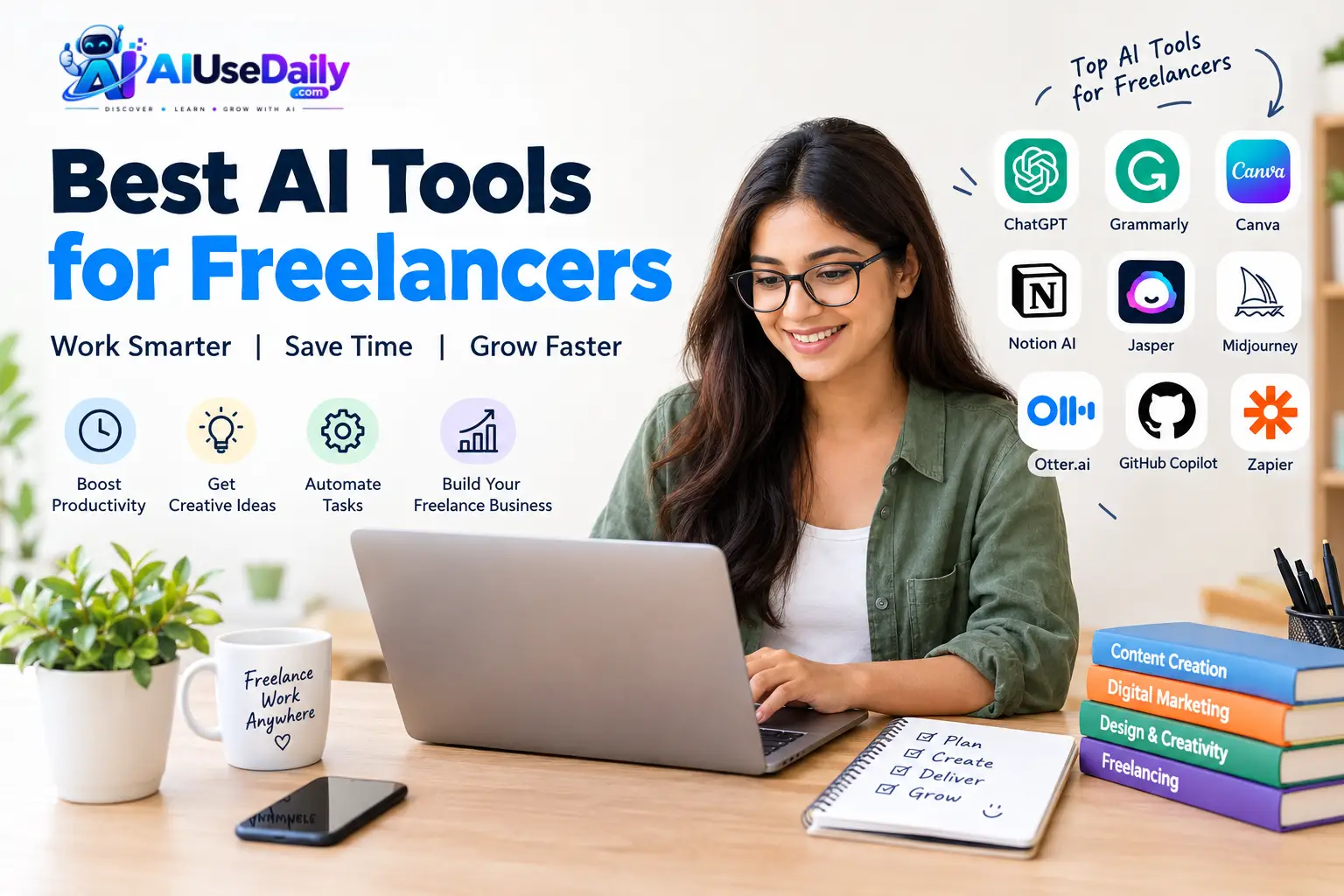
Top AI tools include ChatGPT, Grammarly, Canva AI, Notion AI, Jasper, AI image tools, Otter.ai, GitHub Copilot, and automation tools.
Choose tools that fit your work and start small.
The best freelancers combine AI with their own skills and experience.
Using AI smartly saves time, boosts productivity, and helps freelancers grow their businesses.
In the future, AI will be a great partner for freelancers who know how to use it well.